Skip to content
Products

Viewr

Read Markdown, beautifully.

Most Markdown applications are built for editing. Viewr is built for reading. Whether you are reviewing a README, browsing project documentation, or opening a Markdown file from Finder or File Explorer, Viewr gives you a clean, native reading experience without the complexity of a full editor.

Version 1.0.1 · Free · Store availability and requirements

Viewr icon

Audience

Developers reading README files, product managers reviewing specifications, technical writers, documentation teams, students, and open-source contributors.

Core workflow
Open/
Render/
Read/
Close

What it focuses on.

GitHub Flavored Markdown with syntax highlighting
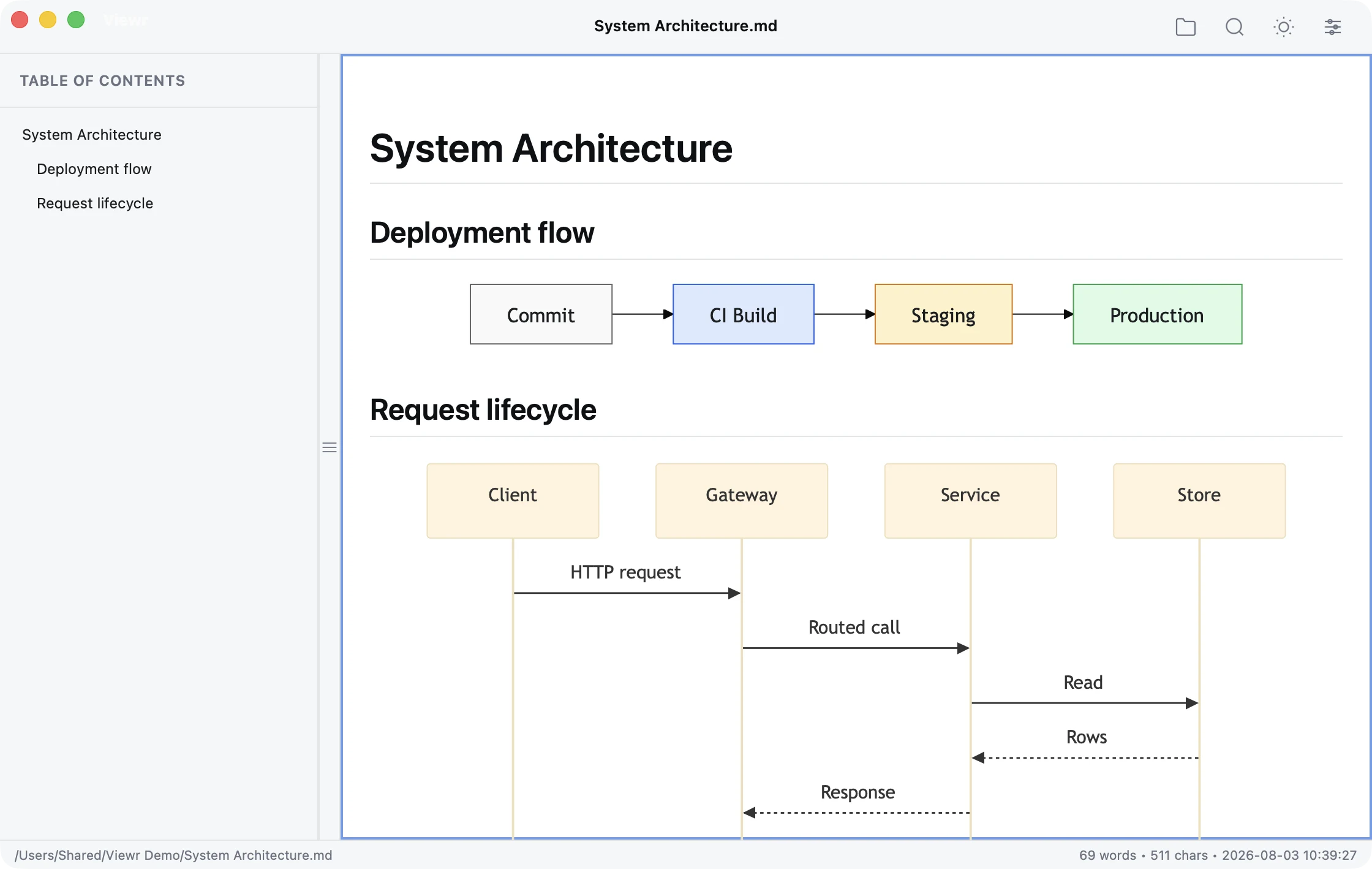
Mermaid flowcharts, sequence, ER, and Gantt diagrams
Tables, images, task lists, and footnotes
Table of contents with click-to-scroll navigation
In-document search with highlighted matches
Auto reload when the file changes on disk
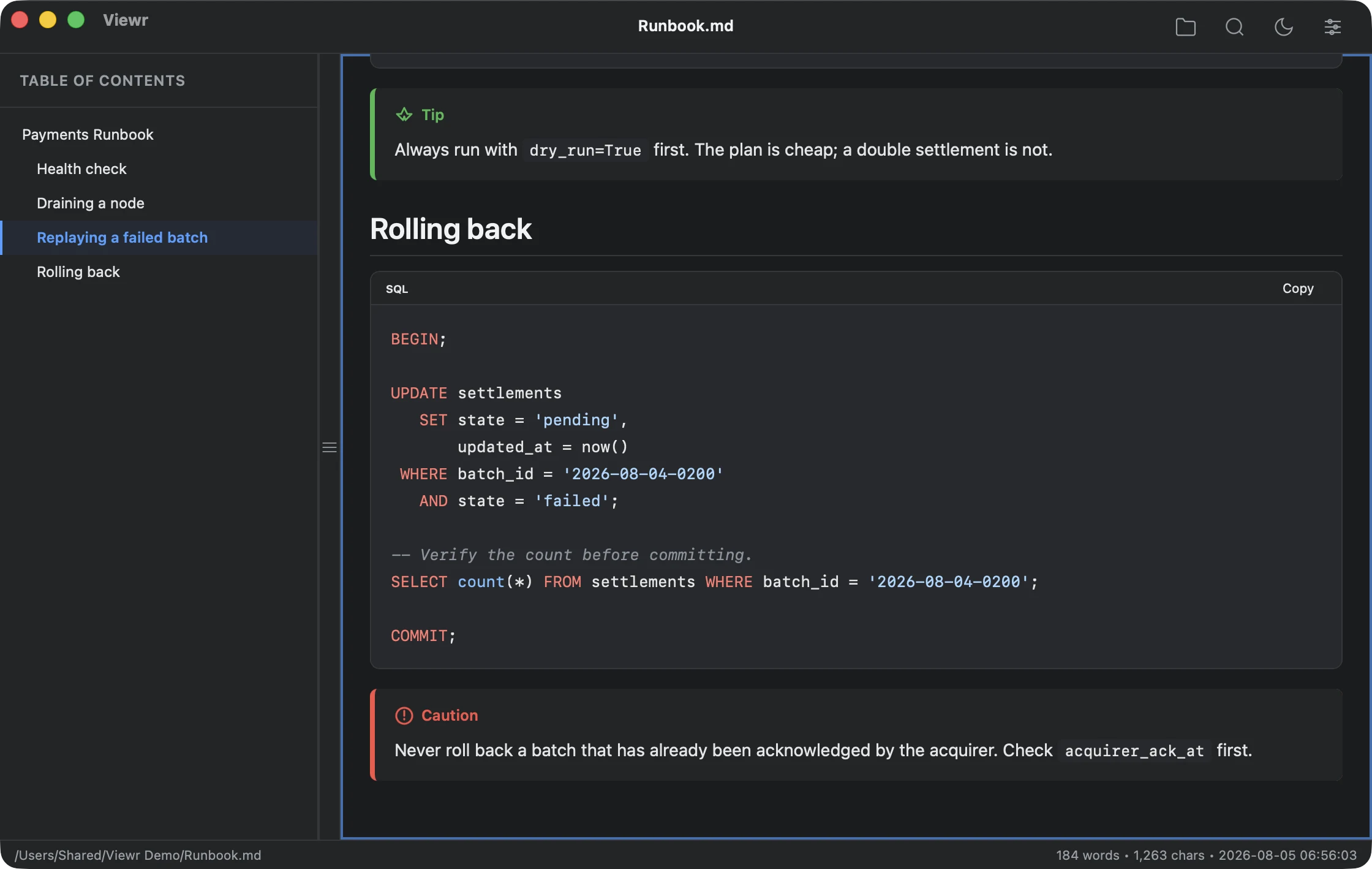
Light and Dark Mode, following the system or toggled
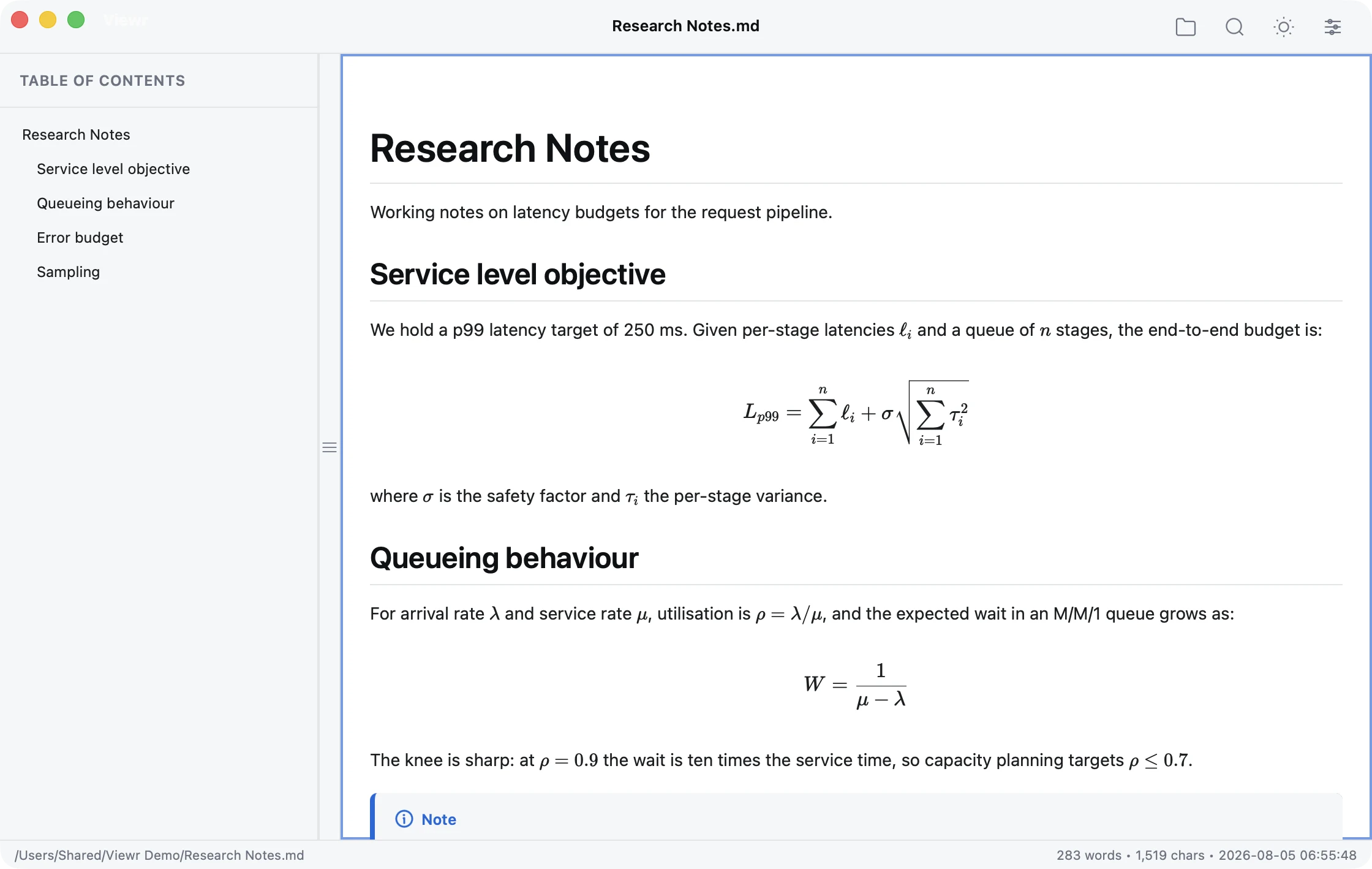
KaTeX math with inline and display equations
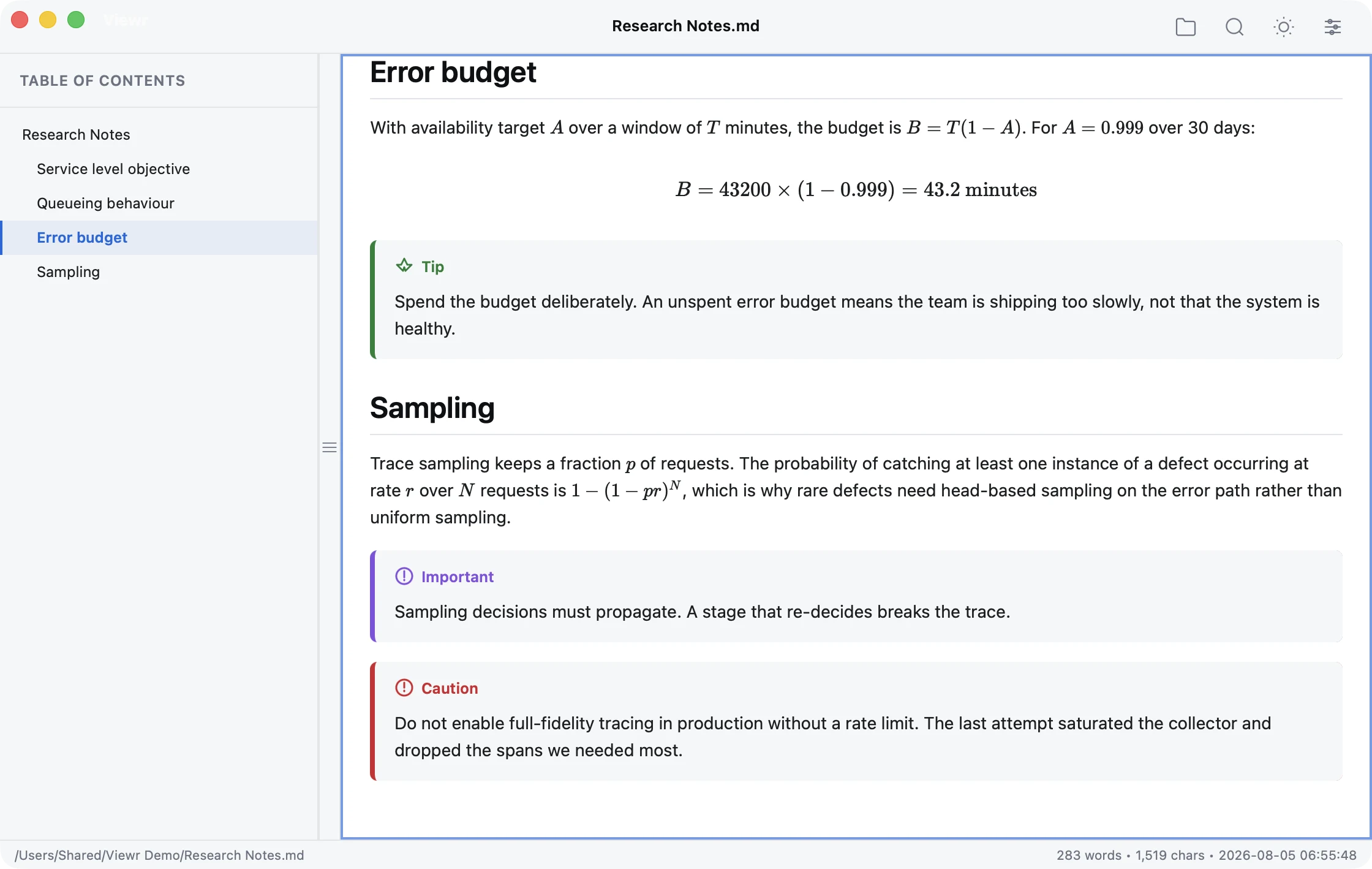
GitHub-style alerts: Note, Tip, Important, Warning, and Caution
One-click code copying with language labels
Full-screen diagram viewing with zoom and pan
Optional Markdown source line numbers

What it avoids.

Not a Markdown editor.
Not a note-taking or knowledge-base application.
Focused on a fast, distraction-free reading experience.

See it in use.

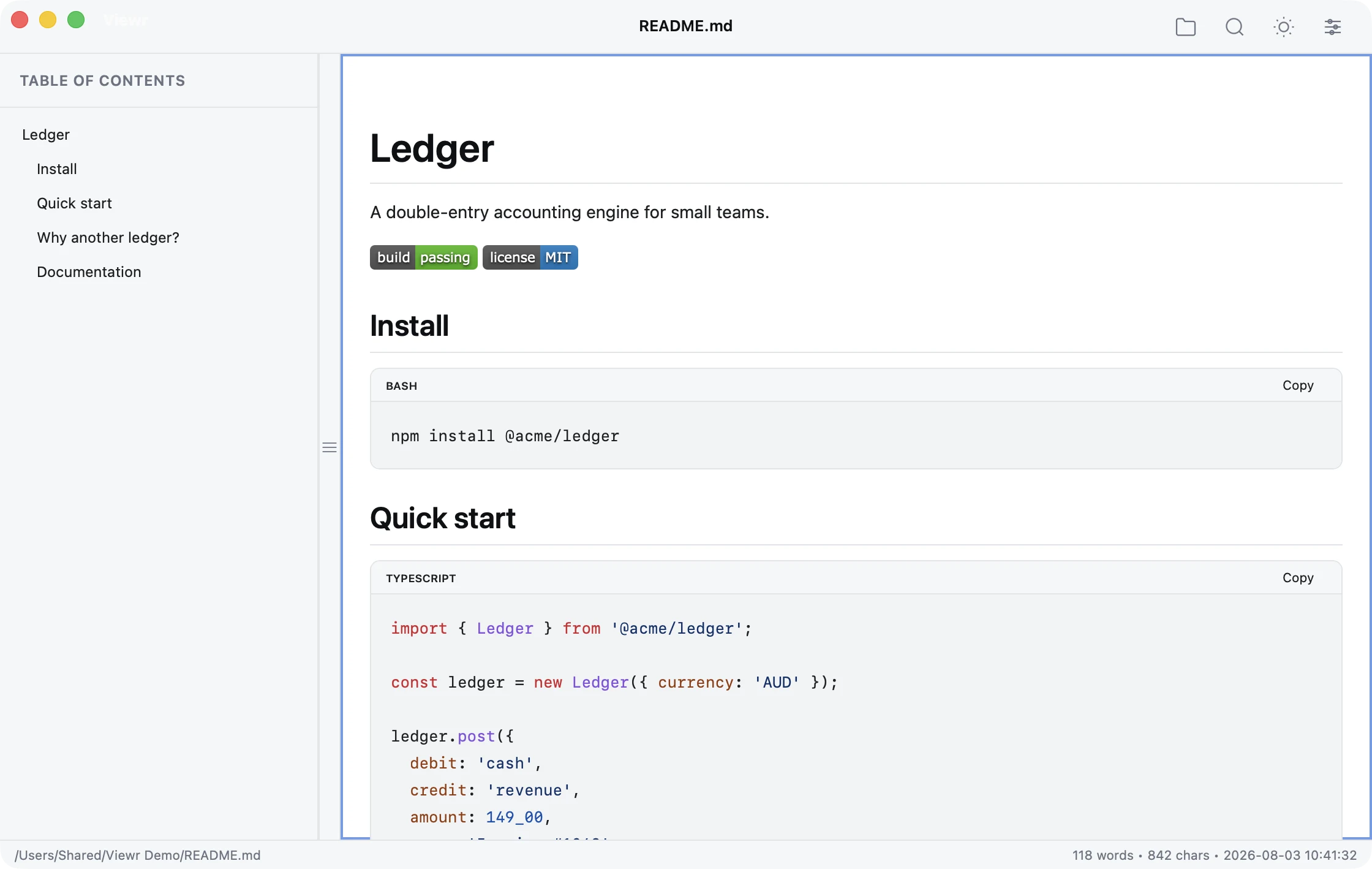
A project README in Viewr, with badges, headings and syntax-highlighted code
Documentation
A flowchart and a sequence diagram rendered by Viewr
Mermaid diagrams
LaTeX formulas rendered inline and as display equations in Viewr
Mathematical expressions
Tip, Important and Caution callout blocks in a Viewr document
Callouts
A runbook in Viewr's dark theme, showing SQL and callout blocks
Dark Mode
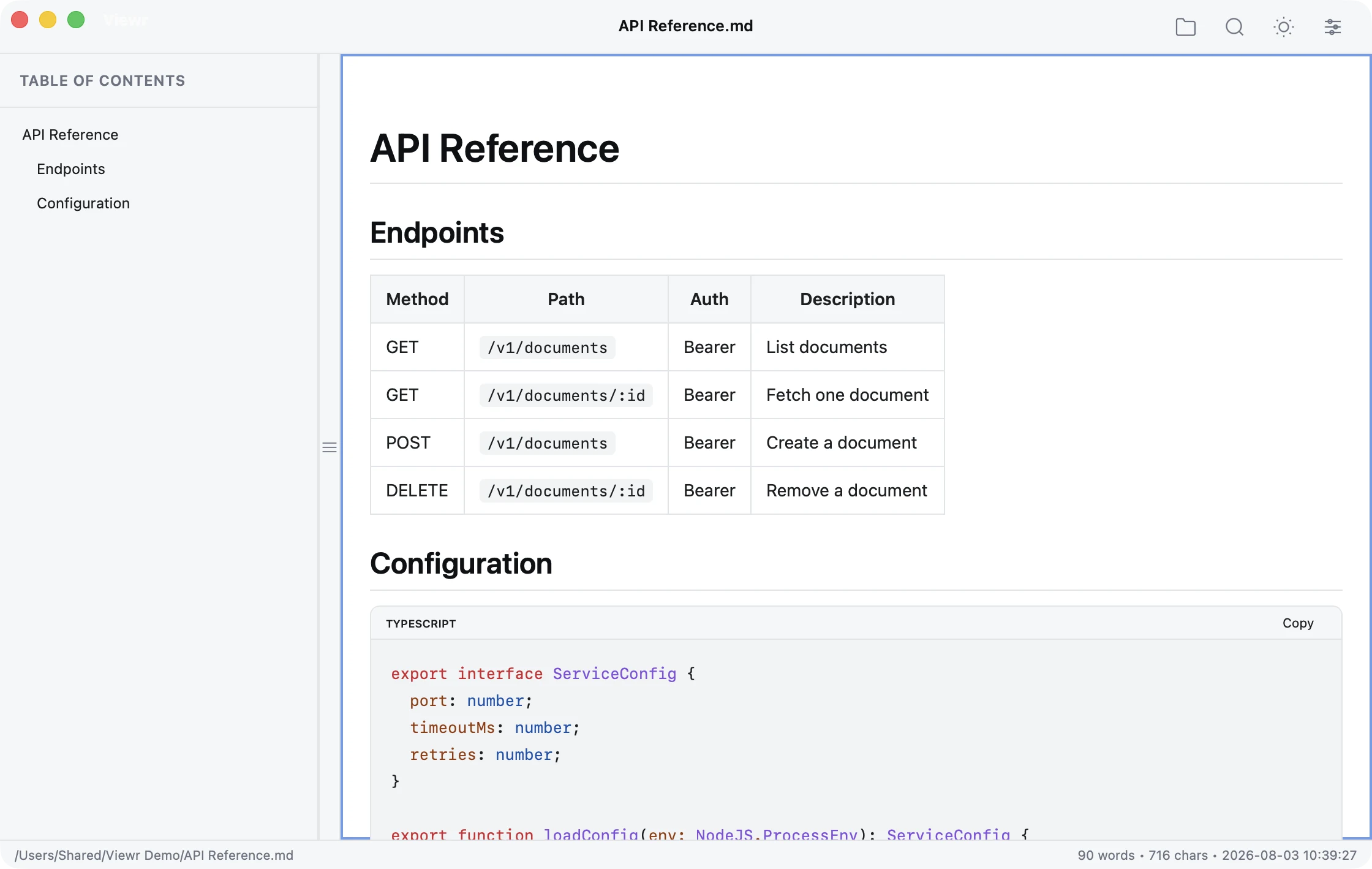
An API reference in Viewr, showing a table and syntax-highlighted code
Tables and code
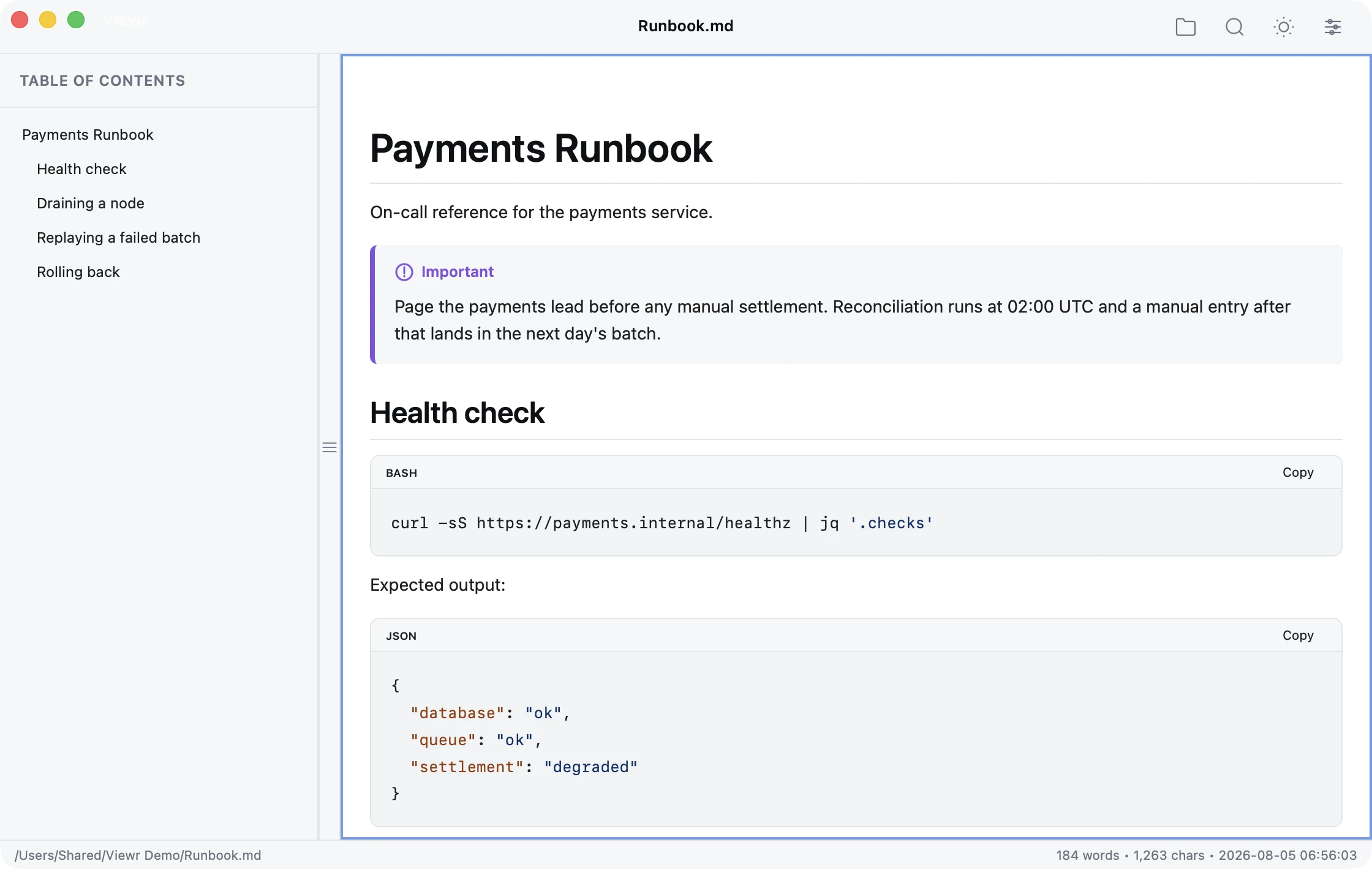
A runbook in Viewr, with Copy buttons and language labels on its bash and JSON code blocks
Code copying

Download Viewr 1.0.1.

Available on the Mac App Store and Microsoft Store. Download buttons open the official store pages; installers are no longer provided on this website.

What's new in 1.0.1

  • Viewr is now available for Windows, with the same native menus and reading features as on macOS.
  • Optional Markdown source line numbers, kept out of search results and copied text.
  • Clear, recoverable messages for unsupported file types, oversized files, and invalid text encoding.
  • Optional anonymous usage analytics that never include document names, paths, or contents. It can be turned off in Settings.
  • Clearer issue reports and a Report an Issue link on the Welcome screen.

Product principle: Markdown deserves a reading experience as good as Preview.app gives PDFs.

Contact Mainbridge